KiCadViewer: Unofficial
Inspect your KiCad project away from your desk.
Open a KiCad project on Android to review its schematics, components and PCB. KiCadViewer is an unofficial viewer for KiCad project files. It is not developed by or affiliated with the KiCad project. It works offline and does not edit projects or save changes to their files. Support for individual elements depends on the KiCad file format and the symbols and models used by the project.
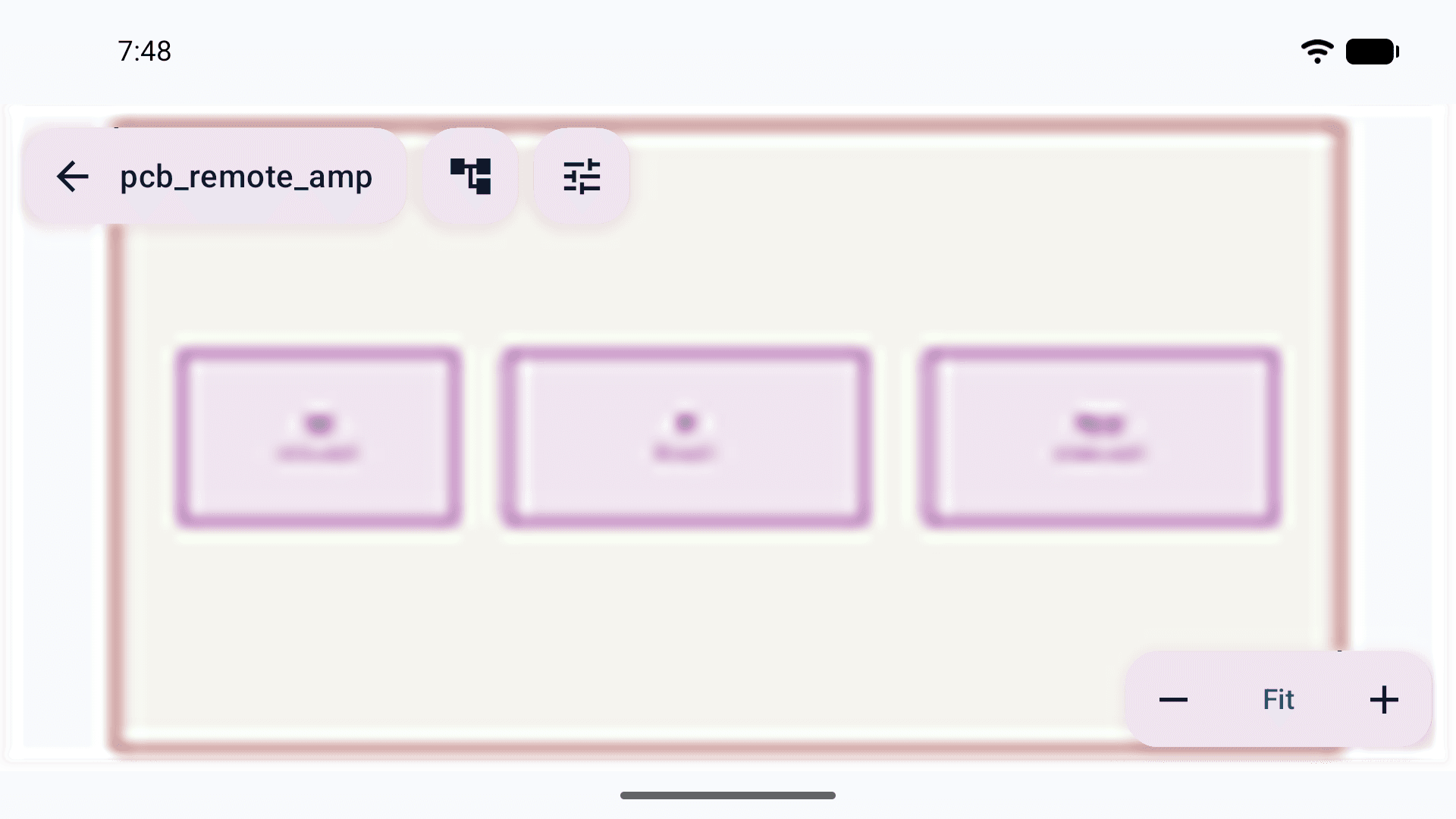
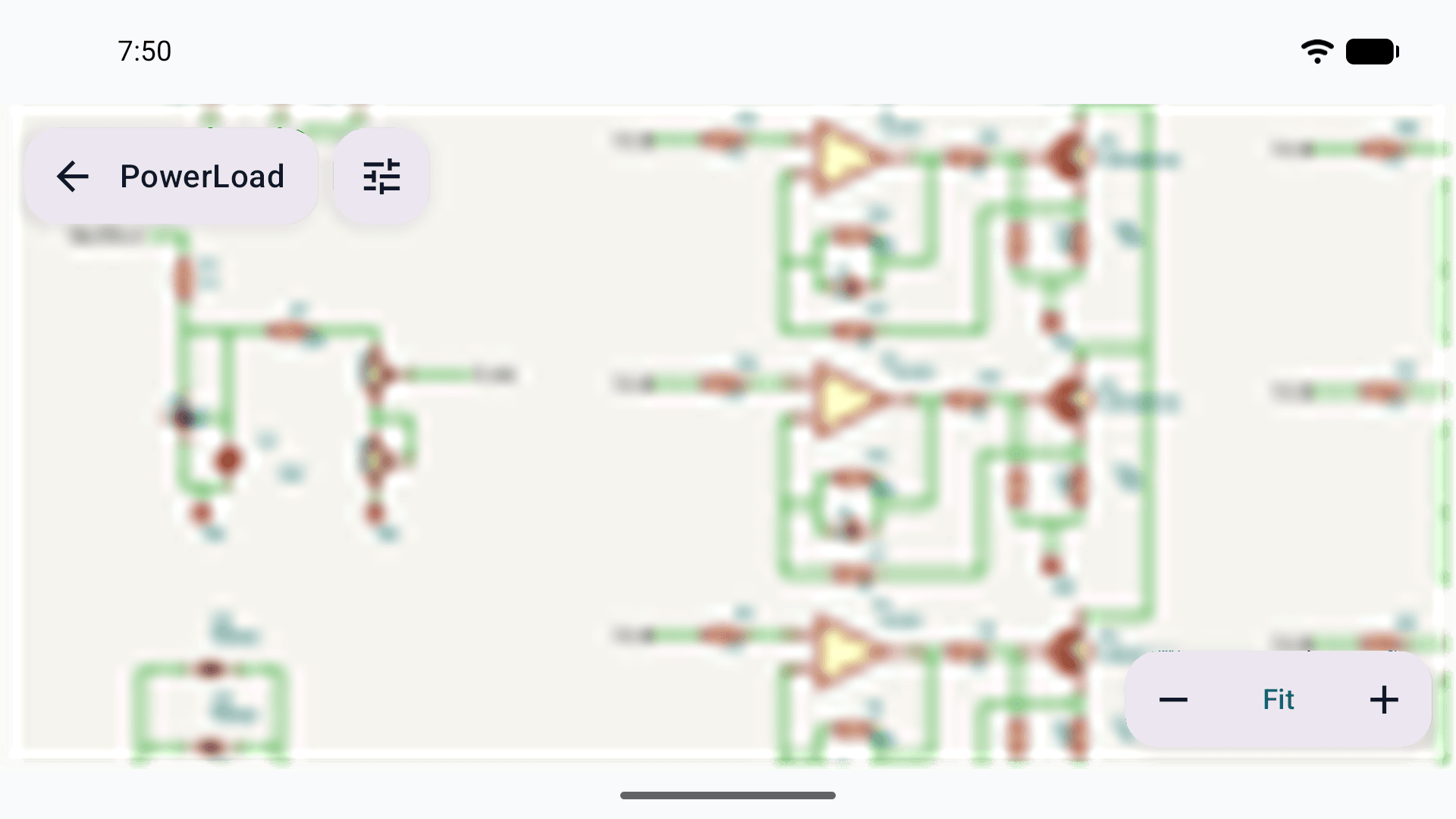
Open modern KiCad schematic files (.kicad_sch) from a project folder
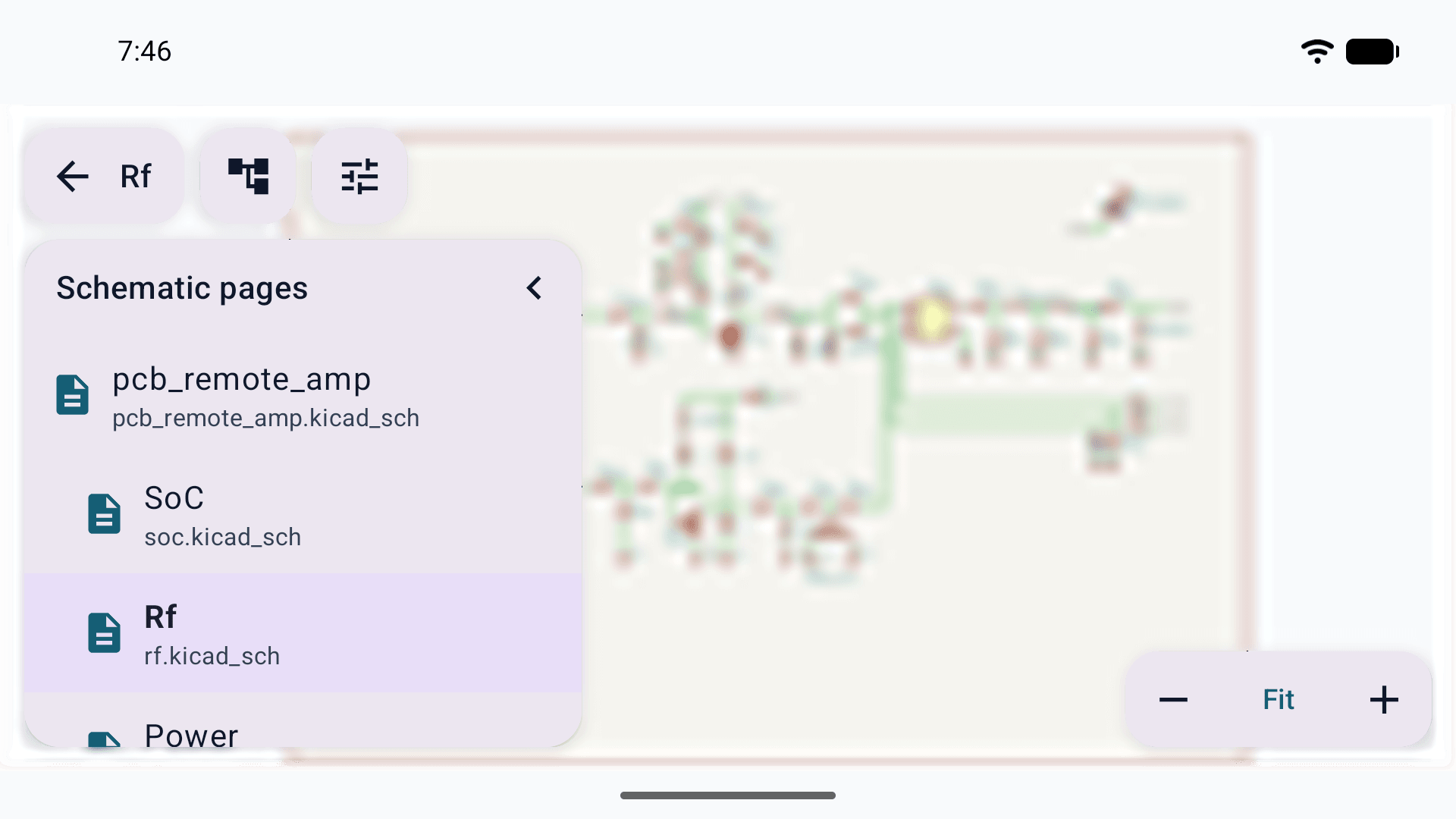
Switch between schematic pages and hierarchical sheets
Zoom and pan drawings or fit them to the screen
Customize text, labels, pin numbers, line widths and colors
Get a warning when a symbol cannot be found
Browse components by group or in a single list
Search components and view references, values, footprints and available descriptions
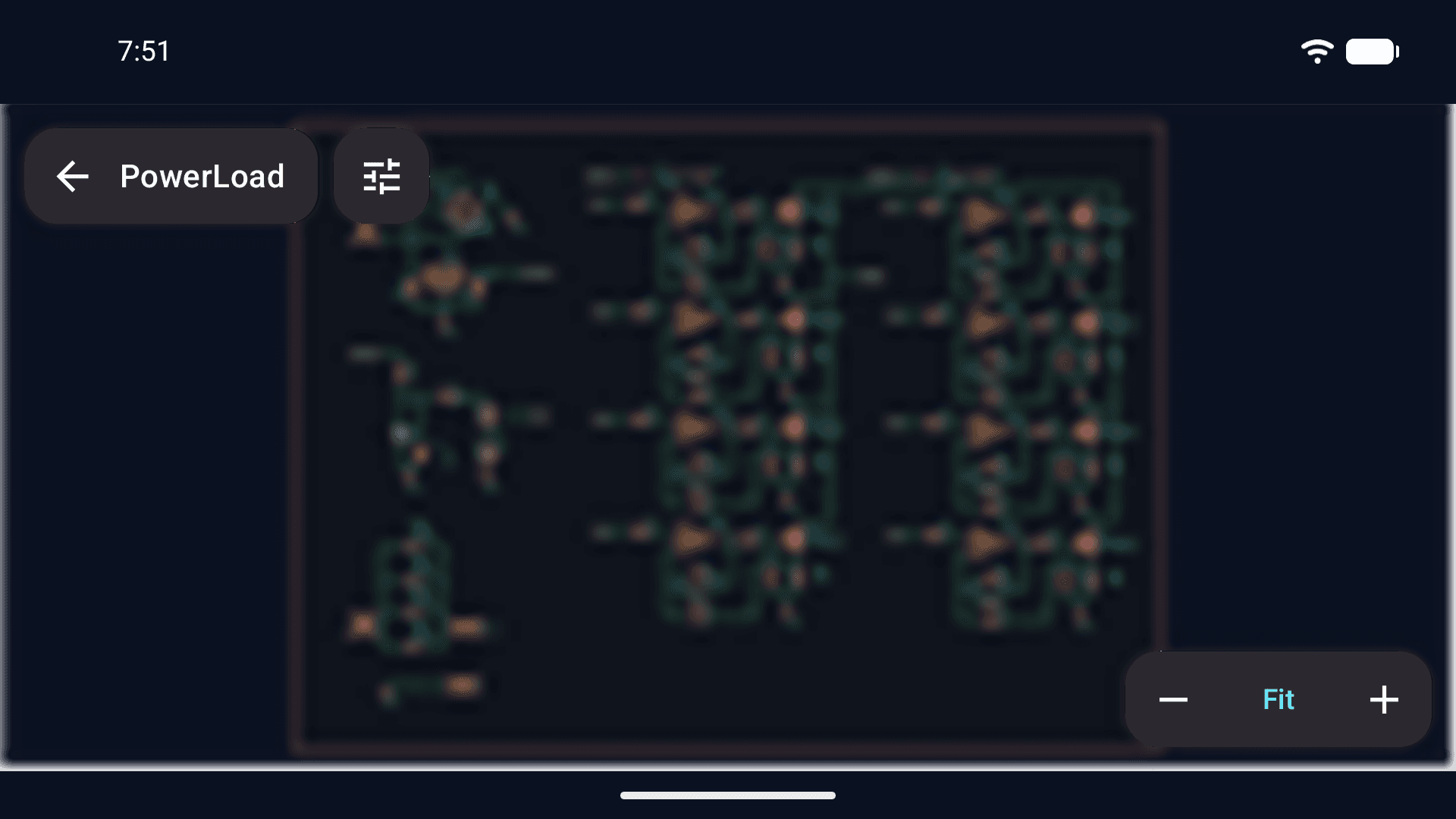
Open KiCad PCB files (.kicad_pcb) in 2D from top or bottom
Show or hide layers and object types, including copper, tracks, vias, pads, text and zones
Select board objects and highlight their connected net
Open the 3D view, choose visible layers and inspect available component models
View 3D models when compatible model files are present in the project folder
Customize schematic, 2D board and 3D board colors
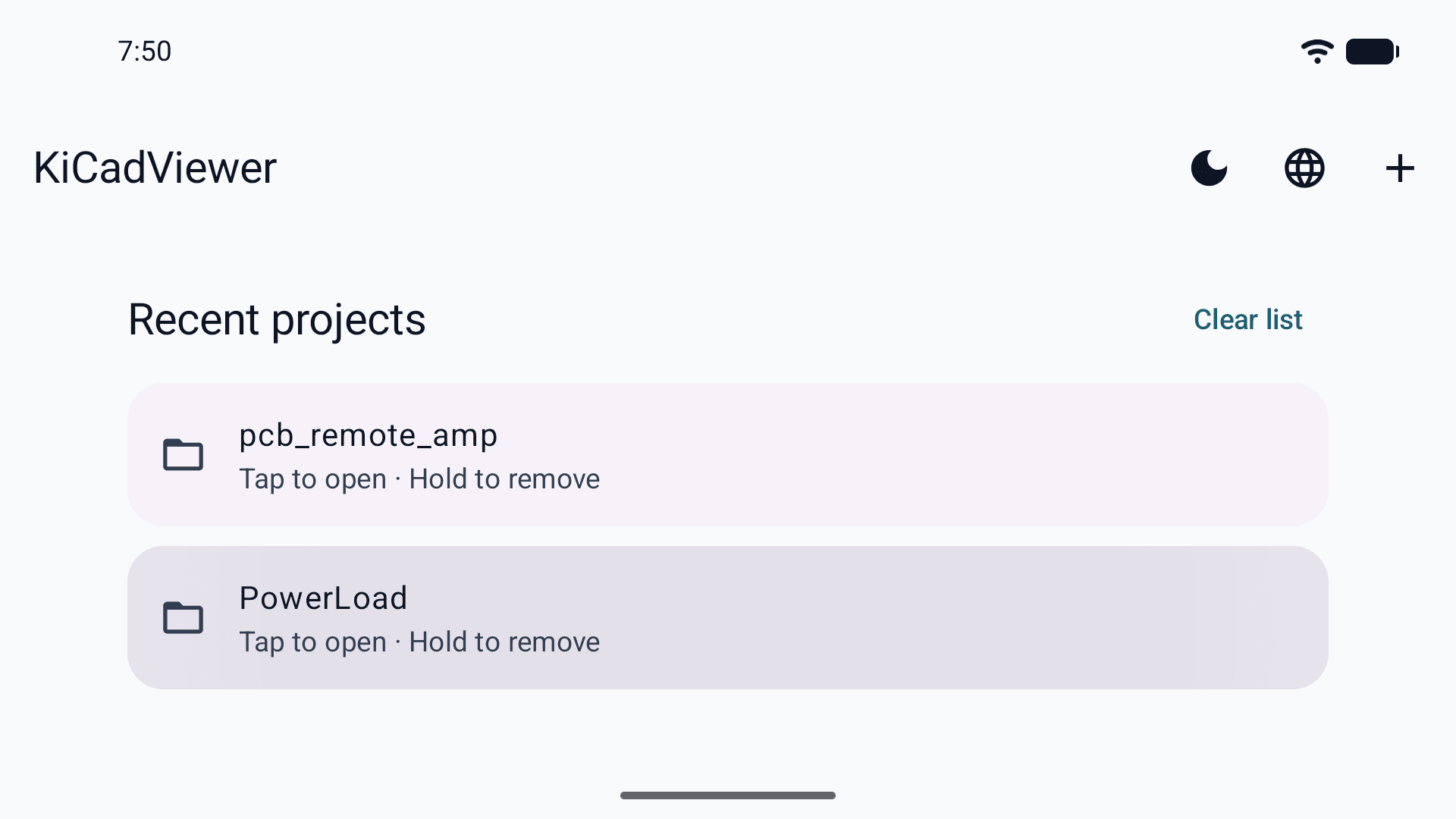
Reopen recent projects and switch between light and dark themes
Open projects stored on your device and work offline
View projects without editing them or saving changes to their files
Element support depends on the KiCad file format and project symbols and models
See the project
in the wild.
KiCadViewer: Unofficial
Swipe sideways to see the rest